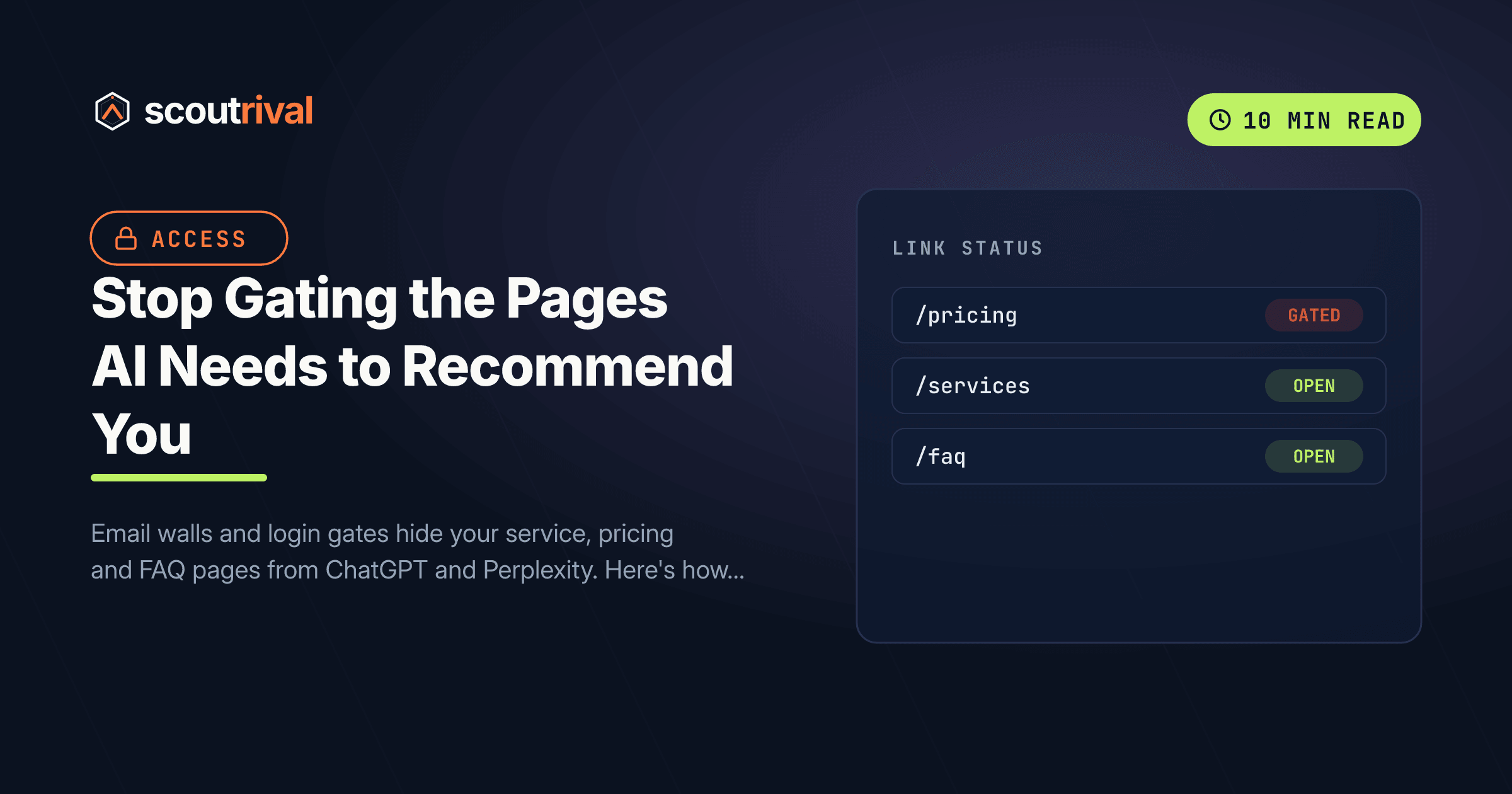
Stop Gating the Pages AI Needs to Recommend You
Email walls and login gates hide your service, pricing and FAQ pages from ChatGPT and Perplexity. Here's how to ungate the content AI needs to recommend you.

On this page
If ScoutRival’s Site Audit flagged “Core pages ungated,” it means one or more of your service, pricing or FAQ pages returns almost no readable content to an AI crawler. The page might look perfect to you — because you’re logged in, or because the wall pops up a second after the page loads. But the bots that build ChatGPT, Perplexity and Google’s AI answers don’t log in, don’t fill out forms and don’t wait for overlays to close. They read the raw HTML that ships on the first request, and if that HTML is a gate, you’ve handed the answer to a competitor whose pricing page is public.
This guide explains why gating quietly removes you from AI answers, and how to open the right pages back up on WordPress and every other platform — without giving up lead capture.
Why gated pages are invisible to AI
When a person asks ChatGPT “how much does a roof replacement cost in Austin?”, the engine fetches candidate pages and quotes a passage from the ones that actually answer the question. It never authenticates as a user. So the only version of your page it can read is the one a stranger sees before doing anything — no cookie consent accepted, no email entered, no account created.
That matters because there are three common ways a page looks full to you and empty to a bot:
- Login or membership walls. A plugin restricts the page to logged-in members, so the public HTML is just a “Please log in” message. The real service description never ships.
- Email / lead gates. “Enter your email to unlock our price list.” The prices exist in the page, but they’re hidden until a form is submitted — or worse, they’re loaded after the form via JavaScript, which the bot won’t run either.
- Server-side consent or geo walls. Some cookie-consent and regional-compliance setups return a blocking interstitial instead of the page until the visitor clicks accept. Bots don’t click.
In every case the crawler receives a shell. There’s nothing to extract, so there’s nothing to cite — and the AI moves on to a site that shows its work. This is closely related to the raw HTML vs JavaScript problem: both end with the bot seeing far less than your visitors do.
This is a medium-evidence signal in our audit, and we’re honest about that. There’s no controlled study proving “ungate and get cited.” The mechanism, though, is simple and hard to argue with: retrieval can only quote text that’s present in the response. If your answer isn’t in the ungated HTML, it can’t be selected.
The one-minute test: read your own site logged out
Before changing anything, see what a bot sees.
- Open a private / incognito browser window (so you’re not logged in and no cookies carry over).
- Visit each of your key pages: main services, pricing, FAQ, and your top location pages.
- Ask yourself: Can I read the substance of this page — what you do, what it costs, the answers to common questions — without entering an email, logging in, or being blocked by a full-screen overlay?
If the answer is no on any page, that page is gated for AI. For a stricter check, right-click the page and choose View Page Source (or press Ctrl-U), then use Ctrl-F to search for a sentence you expect to find — a price, a service name, an FAQ answer. If it’s not in the source, the bot won’t find it.
How to ungate your core pages
WordPress
WordPress gating almost always comes from a plugin, so the fix is finding which one and removing your money pages from its protected list.
- Membership plugins. If you run MemberPress, Restrict Content Pro, Paid Memberships Pro, or a similar tool, open its rules/protection settings and make sure your public-facing pages — services, pricing, FAQ, locations, contact — are not in any protected group. These tools are meant for genuine members-only content (courses, client portals), not your sales pages.
- Content-locker / email-gate shortcodes. Search your pages for shortcodes like
[content_lock],[email_locker]or an “opt-in gate” block, and remove them from anything a prospect needs to read. Move the email capture to the end of the value instead (see below). - Full-page popups. Popup plugins (OptinMonster, Popup Maker, Elementor popups) that show a non-closeable overlay on load can also blank out the page for extractors. Set popups on core pages to be dismissible, delayed, or exit-intent — never a hard wall.
- Cookie-consent plugins. Use a consent tool that overlays a banner on an already-loaded page, not one that blocks the page server-side until accept. Most modern consent plugins (CookieYes, Complianz) do this correctly by default.
Wix
Go to Settings → Permissions (or the page’s own settings via the Pages menu) and confirm your service, pricing and FAQ pages are set to “Everyone can view this page,” not “Members only.” If you use Wix’s Members Area or a paywall app, remove your sales pages from it. Check any Wix popup or lightbox set to open on page load and make it dismissible.
Squarespace
Open each page’s settings and check the Password / Member Areas options. Remove any page password on service, pricing and FAQ pages, and make sure they aren’t inside a Member Area unless they’re genuinely gated content. Turn off “promotional pop-ups” for core pages or set them to appear after a delay.
Webflow
Webflow Memberships (Users / access groups) can gate pages. In Project Settings → User Accounts and each page’s access settings, confirm your public sales pages have no access group restriction. Remove any custom-code email gate that hides the main content until a form fires.
Shopify
For a store, your product and collection pages are usually public by default — the trap is apps. Check any “password page,” “wholesale/locked catalog,” “login to see prices,” or age-gate app, and exclude your public service and pricing content from it. B2B “request access to view pricing” flows are the most common Shopify gate that hides prices from AI; if you want AI to recommend you, publish at least an indicative range publicly.
Custom / other platforms
The principle is platform-independent: the first HTML response for a core page must contain the real content. Remove server-side auth checks, 403/redirect-to-login behavior, and JavaScript that swaps the page for a form. If a developer built the gate, the instruction is simple — “the ungated response for /pricing must include the actual pricing text.”
Keep your leads — just move the gate
Ungating doesn’t mean giving away everything for free or killing lead capture. It means putting the value before the ask:
- Show the substance, then invite the next step. Publish your pricing range and FAQ answers, then offer an optional “Get an exact quote” or “Book a consultation” form beneath them. The visitor (and the AI) get the answer; you still capture intent from people ready to act.
- Gate genuine downloads, not decisions. A detailed PDF guide, a design template, or a webinar recording is fair to gate behind an email. The page that tells a prospect what you do and what it costs is not.
- Use exit-intent, not entry walls. If you want a popup, trigger it as the visitor leaves — never as a barrier on arrival.
This is the same logic behind answer-first content and extractable main content: the answer belongs up top and in the open, where both buyers and bots can reach it.
How to confirm it’s fixed
- Reopen each page in an incognito window — the full content should be visible with no form, login or blocking overlay in the way.
- View Source (Ctrl-U) and search for a real sentence, a price, and an FAQ answer. They should all be present in the raw HTML, not replaced by a “log in to continue” stub.
- Re-run your ScoutRival Site Audit. The “Core pages ungated” check should clear once the substance of your service, pricing and FAQ pages is publicly readable.
Common mistakes to avoid
- Assuming “it loads fine for me” means it’s ungated. You’re logged in and you’ve already accepted cookies. Always test in a fresh incognito window.
- Loading prices with JavaScript after a form. Even if the gate is only cosmetic, content injected client-side after a form submit won’t be read by AI crawlers — put it in the server HTML.
- Gating the FAQ. FAQ answers are among the most-quoted units in AI answers. Hiding them behind any wall is throwing away your most citable content.
- Non-dismissible cookie or consent walls. A server-side interstitial that blocks the page until “accept” is clicked reads as an empty page to a bot. Use a banner-style consent instead.
- “Request pricing” as the only pricing. B2B and higher-ticket local services often hide all numbers. Publishing even an honest range makes you eligible for the cost-intent questions buyers ask AI — and most of your competitors are hiding theirs too.
The bottom line
AI can only recommend what it can read, and it reads your site the way a brand-new visitor does — logged out, before any form. If the pages that answer buying questions sit behind a login, an email wall or a blocking overlay, you’ve made yourself invisible for the exact moment a buyer is asking an engine who to hire. Open up your service, pricing and FAQ pages, keep lead capture at the end of the value, and gate only genuine downloads.
Not sure which of your pages a bot sees as empty? Run a free Site Audit with ScoutRival — it reads your site the way ChatGPT does and gives you a plain-English, prioritized list of what to fix first.
Frequently asked questions
Why can't AI crawlers see content behind a login or email gate?
How do I check if my page is gated for AI?
Should I stop capturing leads entirely?
Is it okay to gate anything?
Do cookie-consent banners hurt AI visibility?
My pricing is "request a quote only." Is that a problem for AI?
Nasir Uddin is an SEO consultant and ScoutRival's SEO & Growth Lead. He's spent years helping small businesses climb the search results — and now the AI answers too — and writes about SEO, AI-search visibility, and turning organic traffic into real growth.
Keep reading
All AI & Content →
Stop reading about it. Ship it this week.
ScoutRival turns competitor intel into ready-to-post content and graphics — for a fraction of an agency.