Get Your Business on Wikidata for AI Visibility
Wikidata feeds the knowledge graphs AI uses to resolve entities — and its bar is verifiable existence, not fame. Here's how to create a referenced Wikidata item for your business.

On this page
If ScoutRival’s Site Audit flagged “Wikidata / Wikipedia presence,” it noted that your business doesn’t yet appear in the structured knowledge sources AI leans on to understand entities. This is a bonus check — you’re never penalized for missing it — but it’s a genuine, often-overlooked lever. Wikipedia is famously ChatGPT’s most-cited domain, and Wikidata, its structured-data sibling, quietly feeds the knowledge graphs that engines use to resolve “who is this business and what do I know about them?” This guide shows you how to create a real, referenced Wikidata item — and why its notability bar is lower than you’d expect.
Why Wikidata matters for AI
There are two related sources here, and it’s worth separating them:
- Wikipedia is prose encyclopedia articles. It’s ChatGPT’s single most-cited domain (roughly 48% of top-10 citation share in some studies), but its notability bar is high — you generally need significant, independent press coverage to sustain an article.
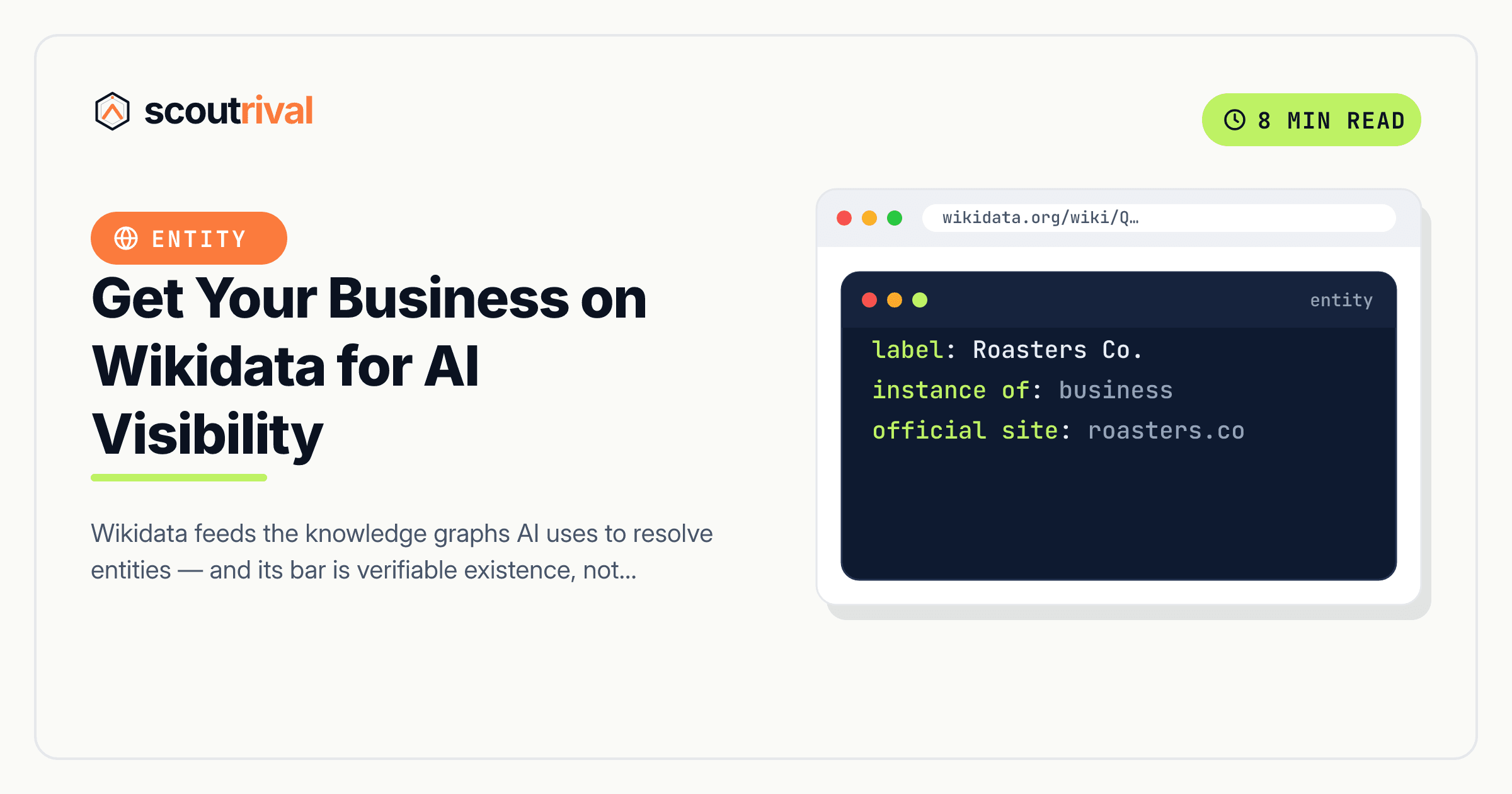
- Wikidata is the structured database behind Wikipedia and much of the open knowledge graph. It stores facts as machine-readable statements (“instance of: roofing contractor,” “official website: …,” “located in: Austin”). AI engines use this kind of structured entity data to resolve who you are and connect your facts.
For most small businesses, Wikipedia is out of reach and Wikidata is not — because they have very different bars.
Wikidata’s notability bar: existence, not fame
Here’s the key fact that changes the math. Wikidata’s notability policy is about verifiable existence, not fame. Its core criterion accepts an entity that “refers to an instance of a clearly identifiable conceptual or material entity” that “can be described using serious and publicly available references.”
In plain terms, an item qualifies if there’s a serious, publicly available external source that documents you — for example:
- A government business registry (your state/secretary-of-state incorporation record)
- A Crunchbase or industry-database profile
- An authority record or established directory with a stable identifier
- A trade-press listing or professional-body registry
Notice what’s not required: press fame, a Wikipedia article, or being a household name. A legitimately-registered local business that appears in a public registry and a couple of established databases can often meet Wikidata’s bar even when it could never sustain a Wikipedia article. So the practical advice is simple: don’t force Wikipedia; pursue Wikidata.
Because this is real work with an uncertain timeline, we score it as a bonus — points added when it’s present, never subtracted when it’s absent. Treat it as upside once your on-site fundamentals (schema, consistent name, About page) are solid.
How to create your Wikidata item
Wikidata is platform-independent — this process is the same regardless of what your website runs on.
1. Create an account
Go to wikidata.org and create an account with a clearly-branded, honest username. Wikidata (like Wikipedia) has a paid-contribution disclosure policy — if you’re editing about your own business or on a client’s behalf, disclose that relationship on your user page. Transparency keeps your item from being flagged and removed.
2. Search first — don’t duplicate
Before creating anything, search Wikidata for your exact legal name and common variants. Sometimes a stub item already exists (auto-created from a database import). If it does, improve that existing item rather than creating a duplicate — duplicates get merged or deleted.
3. Create the item
If nothing exists, click Create a new Item and fill in:
- Label — your business name (your canonical brand name).
- Description — a short, neutral description with no marketing language, under ~250 characters. For example: “American roofing contractor in Austin, Texas.” Not “premier award-winning roofer” — Wikidata descriptions are factual, not promotional.
- Aliases — alternate names: your legal name, former names, common abbreviations.
Save, and note your Q-ID (the Q number Wikidata assigns — it’s your item’s permanent identifier).
4. Add referenced statements
This is the part that makes the item stick. Add facts as statements, each with a reference to a verifying source. Unreferenced statements get reverted, so reference everything:
- instance of (P31) — set to “business,” “enterprise,” or a more specific type if one exists.
- official website (P856) — your homepage URL.
- country (P17) and location statements — where you operate.
- industry (P452) — your sector.
- External identifiers — Crunchbase ID, LinkedIn, or other database IDs that Wikidata recognizes; these double as references and strengthen entity resolution.
For each statement, click “add reference” and cite the source that proves it — a reference URL (P854) or a stated in (P248) pointing to the registry, database or authority record. This is the same “cite a serious external source” bar that governs notability; a well-referenced item is one that survives.
5. Keep the facts consistent
Every fact on your Wikidata item should match your website, your schema, and your Google Business Profile — same name, same location, same website. Consistency is the whole point: Wikidata is another node in the same entity you’ve been building with your LocalBusiness schema, consistent name, and listings. A Wikidata item that contradicts your site weakens the entity instead of strengthening it.
How to confirm it’s fixed
- Search Wikidata for your business name — your item should appear, with your Q-ID, the correct instance of (P31), an official website statement, and referenced claims.
- Check that your statements carry references (no “reference needed” warnings) and that the facts match your site and GBP.
- Over the following weeks, watch whether knowledge-panel and AI answers begin reflecting your item — knowledge-graph propagation isn’t instant.
- Re-run your ScoutRival Site Audit. The Wikidata check flips to present once your item is live, and the bonus points are added.
Common mistakes to avoid
- Trying to force Wikipedia first. Most local businesses can’t sustain a Wikipedia article — it needs significant independent press. Pursue Wikidata, which asks only for verifiable existence.
- Adding statements with no references. Unreferenced claims get reverted by editors and bots. Cite a serious, public source (registry, Crunchbase, authority record) for each fact.
- Marketing language in the description. Wikidata descriptions are neutral and factual — “roofing contractor in Austin,” not “award-winning premier roofer.” Promotional copy gets edited out.
- Not disclosing a paid relationship. If you’re editing about your own or a client’s business, disclose it per Wikidata policy. Undisclosed self-promotion risks the item being flagged and removed.
- Creating a duplicate. Always search first; improve an existing stub rather than making a second item, which will just get merged or deleted.
- Facts that don’t match your site. A Wikidata item that disagrees with your website, schema or GBP splits your entity. Keep the name, location and website identical everywhere.
- Treating it as a must-have. It’s a bonus, not a requirement. Get your on-site fundamentals right first; pursue Wikidata as upside once they’re solid.
The bottom line
Wikidata feeds the structured knowledge graphs AI uses to understand who you are — and its bar is verifiable existence, not fame, which puts it within reach of many small businesses that could never earn a Wikipedia article. Create a clearly-attributed account, search before you create, add a neutral description, and back every statement with a reference to a serious public source. Keep the facts identical to your site and listings. It’s a bonus signal, so it’s pure upside: one more strong node in the entity you’re building for AI to recommend.
Want to know which entity signals you’re missing — Wikidata included — before you invest the time? Run a free Site Audit with ScoutRival and get a prioritized, plain-English list of every AI-visibility fix, from the fundamentals up to the bonuses.
Frequently asked questions
What's the difference between Wikipedia and Wikidata for my business?
Does my business qualify for a Wikidata item?
Why does Wikidata help with AI visibility?
Do I need references for everything I add?
Will a Wikidata item hurt my score if I don't have one?
Do I have to disclose that I'm editing about my own business?
Nasir Uddin is an SEO consultant and ScoutRival's SEO & Growth Lead. He's spent years helping small businesses climb the search results — and now the AI answers too — and writes about SEO, AI-search visibility, and turning organic traffic into real growth.
Keep reading
All AI & Content →
Stop reading about it. Ship it this week.
ScoutRival turns competitor intel into ready-to-post content and graphics — for a fraction of an agency.